

This May was dedicated to the integration of the analytics beta, the opening to connectors (API, webhooks), and continuous improvements of the basic flows.
Analytics
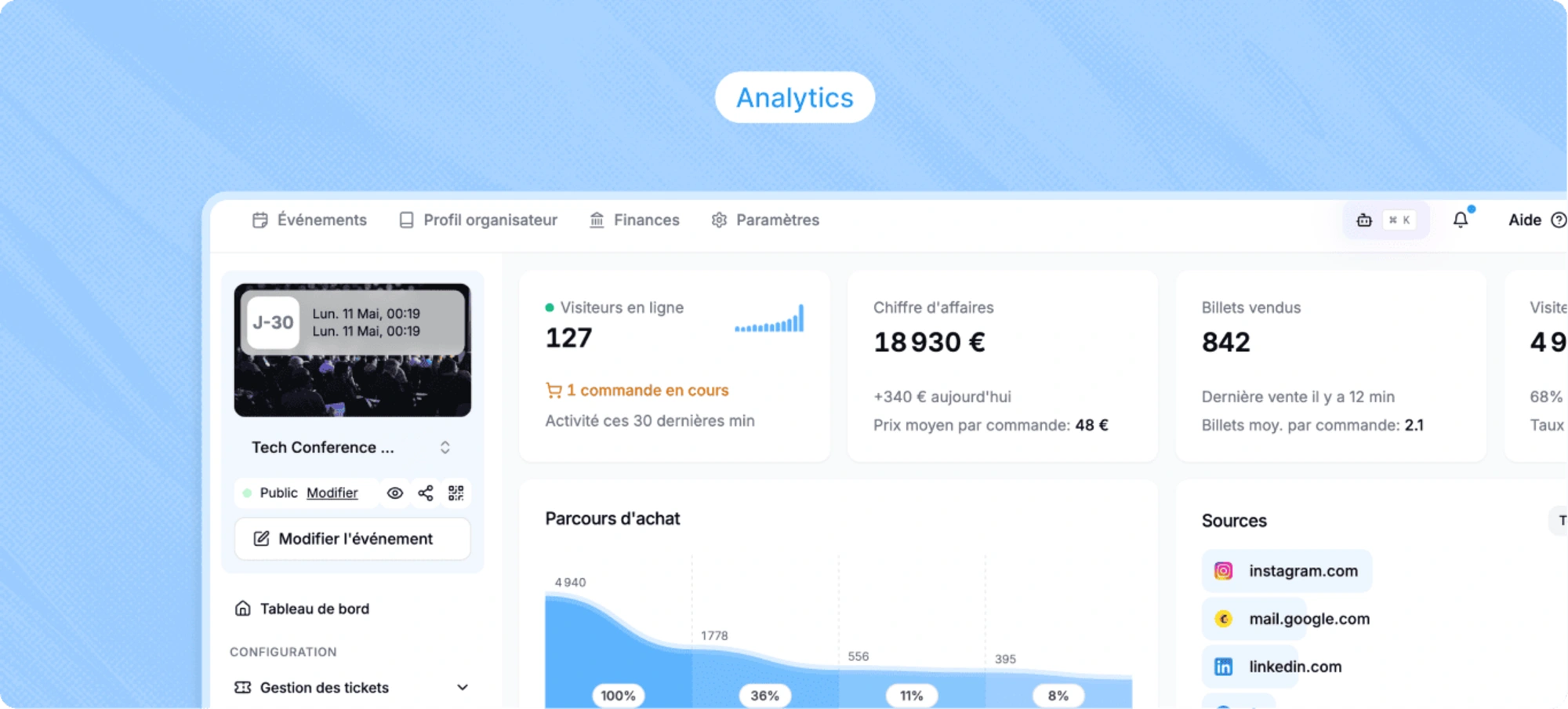
New module available for each event. Track your sales and audience in real-time from a single screen: visits, conversion rate, revenue, average basket, day-by-day sales evolution, ticket distribution, traffic sources, geographical origin, purchase hours and days, and the proportion of new vs recurring participants.
Go to your event page, Analytics tab.
Real-time sales notifications
Via the mobile app PassPass Organizer, each new sale triggers a push notification on your phone. Track your registrations without opening the dashboard.
→ iOS - App Store → Android - Play Store
Notifications can be suspended at any time in the app settings.
Sharing links for promo codes and hidden tickets
No need to ask your participants to manually enter a code. Share a direct link that automatically applies your promo code or unlocks your hidden tickets. An added convenience for your participants.
Retrieve the link via the menu (three dots) of your promo code, or from the code configuration panel.
Learn more: Using promo codes
Improved participant management
Several improvements in managing your participants.
Enhanced tables → filters on your promo codes, new columns, faster access to your data
Accessible custom fields → your custom fields are now visible and editable directly from the participant record or the order. When manually adding a participant, you can also fill in all the fields of your form (previously, only name, first name, and email were available)
Personal notes → add internal notes to your participants for better tracking
Simplified Excel import → when importing participants via Excel, your tickets are directly offered in a dropdown menu. No need to search and copy the ID manually
Enhanced export and scanning → retrieve more data in your exports, including check-in (validation) times of your participants
Badge printing
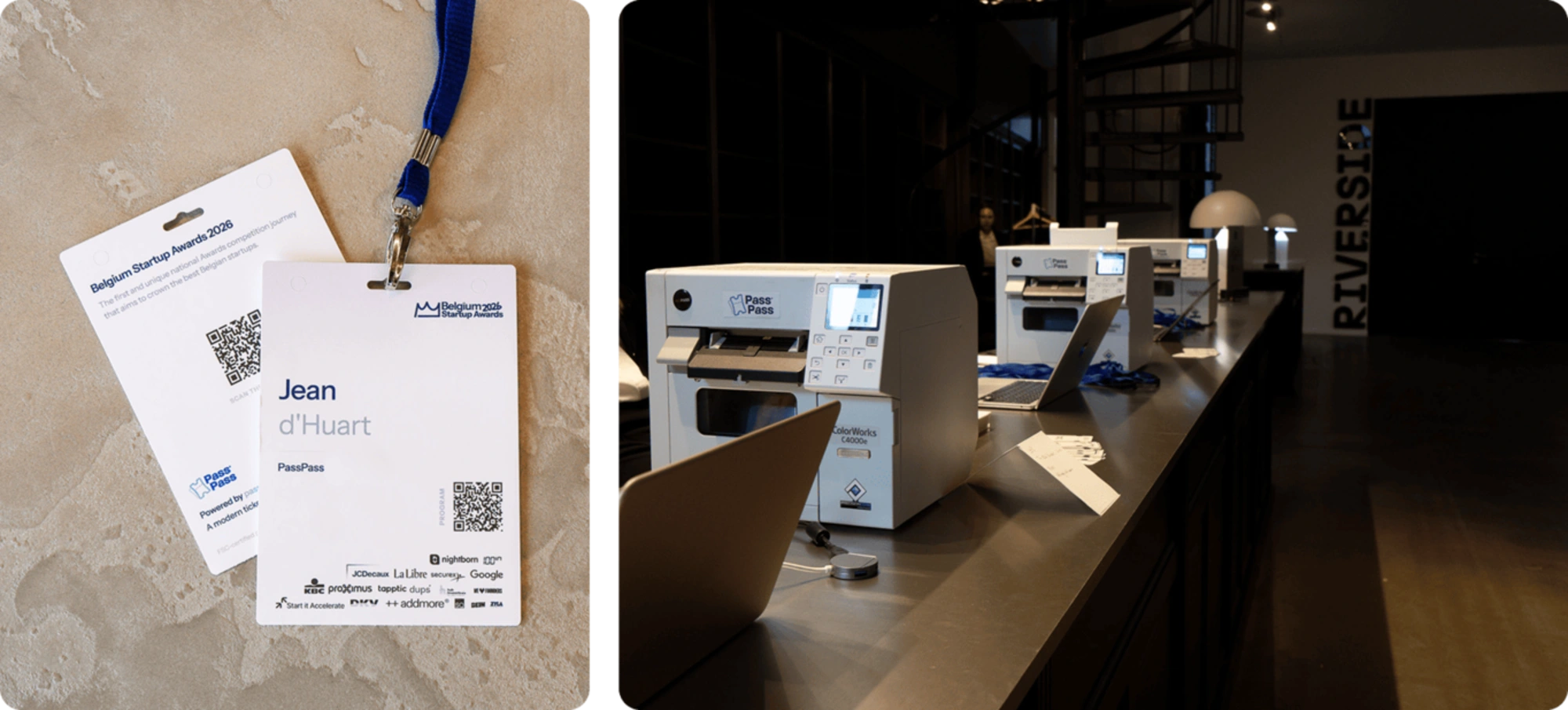
PassPass now offers a custom badge printing system for your events. Upon arrival, your participants' tickets are scanned, and a personalised badge is printed in seconds. Professionalise and streamline entry management.
Badges are customised to your event and can display participant-related data: name, company, access type, or any other field collected during registration.
Printing equipment is available for rent. Contact us for a quote.
Discover the badge printing service
Expanded billing data collection
The billing form now supports more countries outside the European Union, to better accommodate your international participants.
Public API and Webhooks
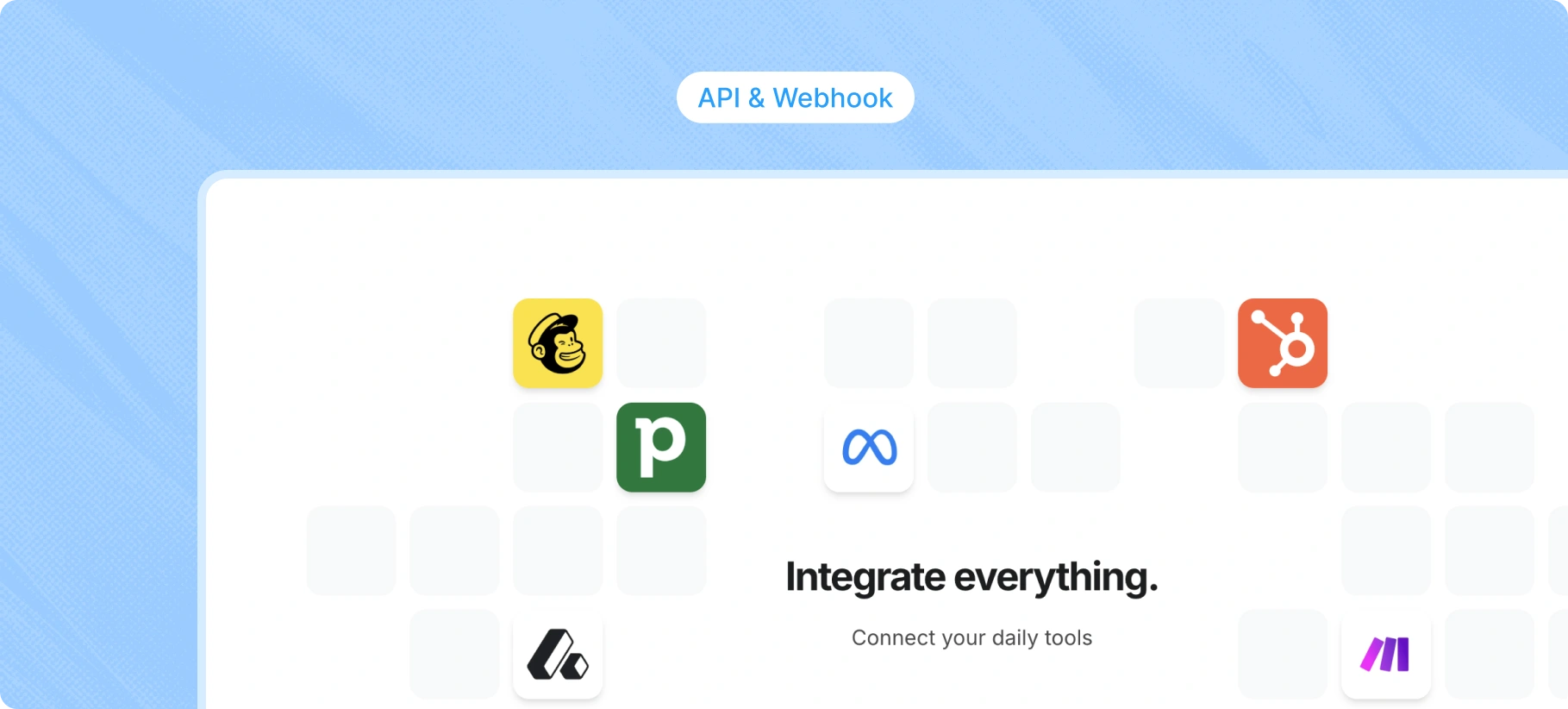
Connect PassPass to your tools and workflows. The public REST API allows you to read your data from an external system. Webhooks send real-time notifications for each important event.
Use cases: CRM synchronisation, accounting export, automations via Zapier, Make, or n8n.
Go to Settings → Developers to create your API keys and webhook endpoints.
Learn more: Public API and Webhooks
Work in progress
In the interest of continuous tool evolution, here are the themes expected for the coming weeks:
Ticketing integrated into your website → unify your branding and ticketing for a modern and intuitive user journey, without leaving your spaces. Advanced customisation: fonts, colours, rounding...
New event page → more customisation with configurable sections: artist/speaker line-up, schedule, FAQ, image gallery...
Promotional code management tool → interface optimisation for managing a large number of promo codes
Multidate events → facilitate multi-date event management
MCP PassPass → connect PassPass to your AI assistants (ChatGPT, Claude, ...) to assist you in reading your data, analytics, improvement suggestions, etc.
Questions, feedback, or suggestions? Feel free to contact our product manager Jean: